Building

Bills, plots, and neighborhoods

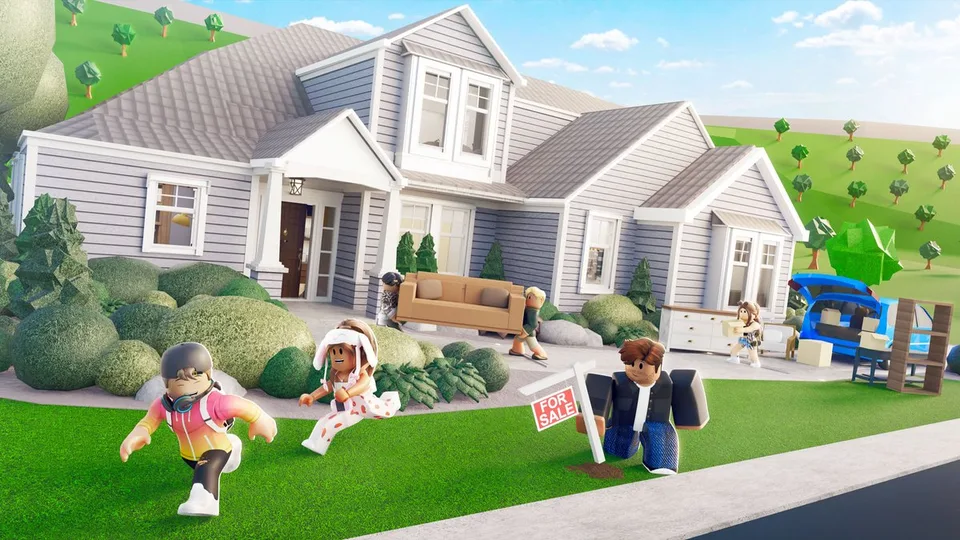
Pay bills from My Plot before the power dies, buy an empty plot for 300 Blockbux, and join a neighborhood with a username rather than a display name.

Bills, plots, and neighborhoods

Pay bills from My Plot before the power dies, buy an empty plot for 300 Blockbux, and join a neighborhood with a username rather than a display name.

The plot is the home base for bills, building, and permissions. Neighborhoods are private servers you buy and share from the phone.

Bills

  1. Wait until a bill arrives.
  2. Open the phone, then My Plot, then Pay Bills.
  3. Or open Settings and turn on Automatically Pay Bills.
  4. If the power is already off, pay first. Then place a Power Box in Build Mode and choose Turn On outside Build Mode.

Premium halves bills, doubles daily rewards, adds a premium trophy and a special name tag, and lets you choose where the plot spawns.

Another plot

  • Empty plot: phone, My Plot, My Plots, Buy Plot. The price is 300 Blockbux.
  • Prebuilt: phone, My Plot, Prebuilts. These cost dollars. You can edit or delete them later.
  • Bulldoze: Build Mode bulldozer, username confirm, 70 percent back on purchases, Blockbux items returned to inventory. The house does not come back.

Neighborhoods

Phone, Neighborhoods. The avatar icon buys a neighborhood and opens its settings. The card icon joins someone else. Type their username, not their display name. A private or expired neighborhood returns an error and does not let you in.

Shift+P is freecam in your neighborhood for you and for co-owners.

Giving money to another player

The official ways are a click on the friend's avatar, a cash register on their plot, or a gift card from the wrapping station. The limit is $10,000, or $50,000 when both players own Premium. Either player can disable donations in settings. If donations are off, the transfer will not go through.

Co-owner is a build and delete permission, not a safer version of a cash gift. Set it only for people who should be able to remove walls.

FAQ

Frequently Asked Questions

Is Welcome to Bloxburg free?

Yes. The official FAQ says you can join on Roblox and it is free to play. Create a Roblox account, then join the experience. Progress saves automatically.

How do I make money?

Open the in-game phone and use the Jobs app, or walk into a workplace and start a shift. Every job adds to the same total work XP, so switching careers does not reset the ladder that raises your income. You can also buy dollars from the in-game store with Robux.

Are there Welcome to Bloxburg codes?

No. Welcome to Bloxburg has no promo-code box and no active or expired promo codes. Pages that ask for your Roblox password in exchange for cash are not an official reward path. Dollars come from work, events, daily rewards, and the in-game store. Blockbux is the separate premium currency.

What happens if I do not pay my bills?

Unpaid bills shut off your electricity. Pay them from the phone under My Plot, then place a Power Box in Build Mode and turn that box on outside Build Mode. The phone Settings app can turn on Automatically Pay Bills. The Premium game pass halves bills.

Which job pays the most?

There are 14 jobs. Since Version 0.12.6 they pay a similar amount per minute. The main inputs are your total work experience, up to level 100, plus efficiency and your moods. A single job's own level does not set a separate pay rate. Pick the shift whose tasks you can repeat cleanly.